
Add Your Hiring Team
Hiring managers raise requisitions without a recruiter seat. They never see candidates.1
Open People
Go to Account > Organization > People and scroll to Hiring team.
2
Add people by email
Each person gets an email with a link to a portal where they raise requisitions and follow their progress.
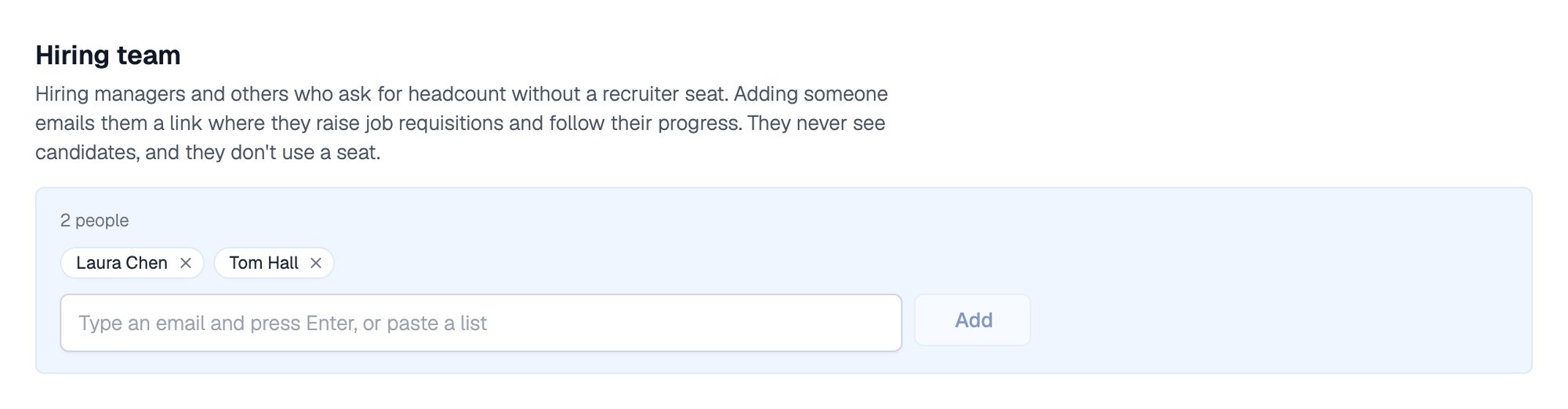
Two hiring managers on the hiring team
Review and Approve Requisitions
Open Requisitions from the Job Openings dashboard. Recruiters can also raise a requisition themselves with + Job Requisition.
Any recruiter can approve a requisition they can see. The person who raised it can edit or withdraw it while it is still Pending.
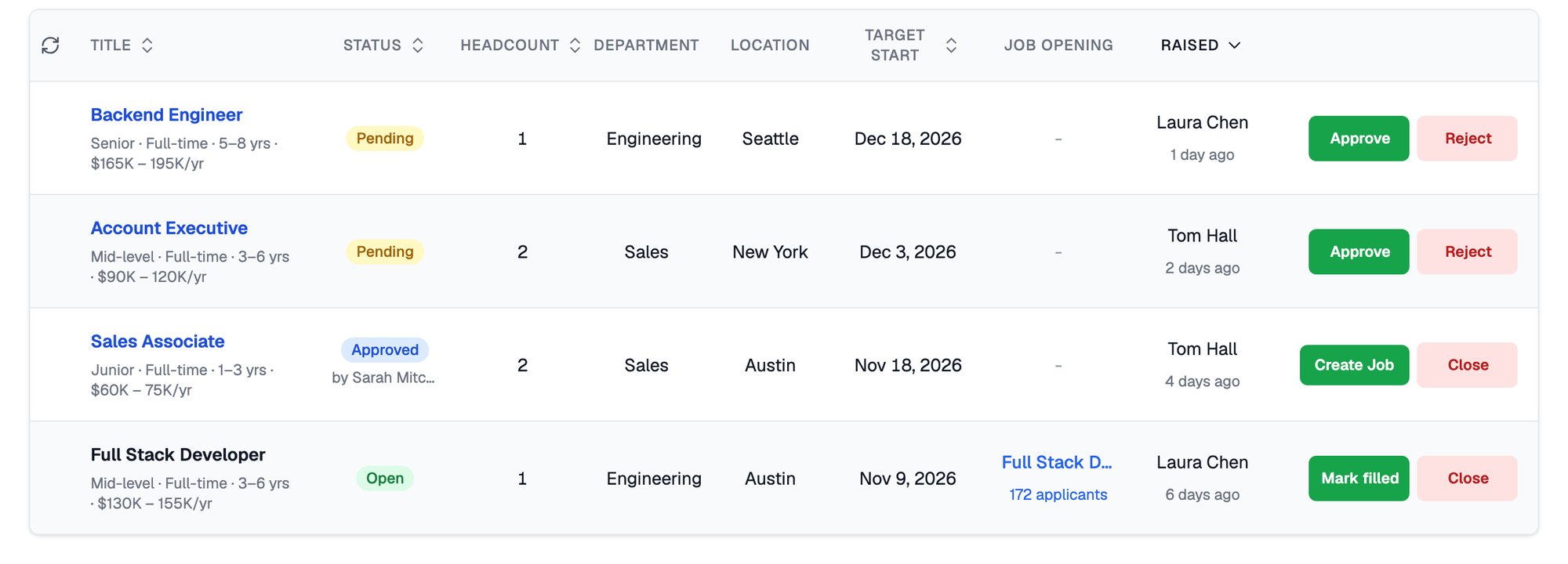
Pending, Approved and Open requisitions with their actions
Related Resources
- Job Post - The job opening you create from an approved requisition
- Roles and Permissions - What each organization role can do
- Departments - Keep each department’s requisitions separate
- Compare Plans - What each plan includes