
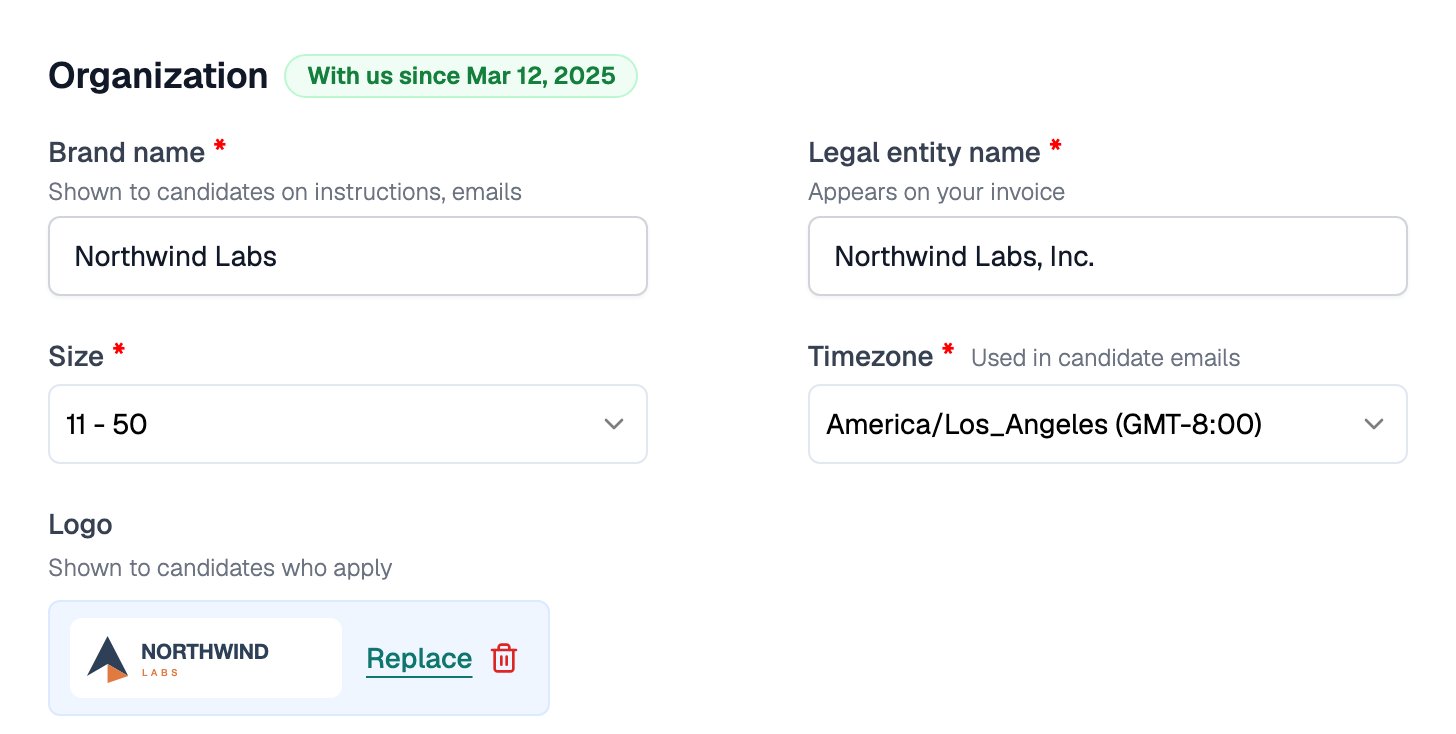
Organization settings live on the Team page. In the sidebar, go to Account > Team and open the Organization tab.
Fields on the Organization tab save automatically. There is no Save button.
These settings apply to your whole team. Personal details live under Account > Profile; your login email cannot be changed.
Organization section showing Brand Name, Legal Entity Name, Size, Timezone, Industry, and Default Dashboard filled in for Northwind Labs

The Organization section on the Team page

Your public-facing name and your legal name are two separate fields:
Update the Legal Entity Name before you purchase credits. Invoices that have already been issued cannot be edited in the product; see Change Billing Information if you need one re-issued.

Timezone and Defaults

The Organization tab also holds these team-wide defaults: Your Organization Logo is shown to candidates who apply.
1

Open the Team page

Go to Account > Team and open the Organization tab.
2

Upload your logo

Under Organization Logo, choose an image file. It must be 500 KB or smaller, in JPEG, PNG, WebP, or SVG format.