
Available Psychometric Tests
Psychometric tests carry no points and do not contribute to the overall assessment score. Use them to understand candidates, not to rank them.
DISC
The DISC test measures a candidate’s behavior and personality across four dimensions:- Dominance
- Influence
- Steadiness
- Conscientiousness
OCEAN (Big Five)
The OCEAN test, also known as the Big Five or Five Factor Personality Model, evaluates five core traits:- Openness
- Conscientiousness
- Extraversion
- Agreeableness
- Neuroticism
Both tests are standardized, so you cannot add, remove, or view individual questions. To ask your own behavioral questions, create a custom quiz with MCQs instead.
Add a Psychometric Test to an Assessment
1
Open the assessment builder
Create a new assessment from the Assessments Dashboard, or open the settings of an existing one.
2
Select the Psychometric test type
In the Tests tab, choose Psychometric, then pick DISC or OCEAN.
3
Save and invite candidates
Save the assessment, then invite candidates by email or share the assessment link. Each test costs 1 credit per candidate.
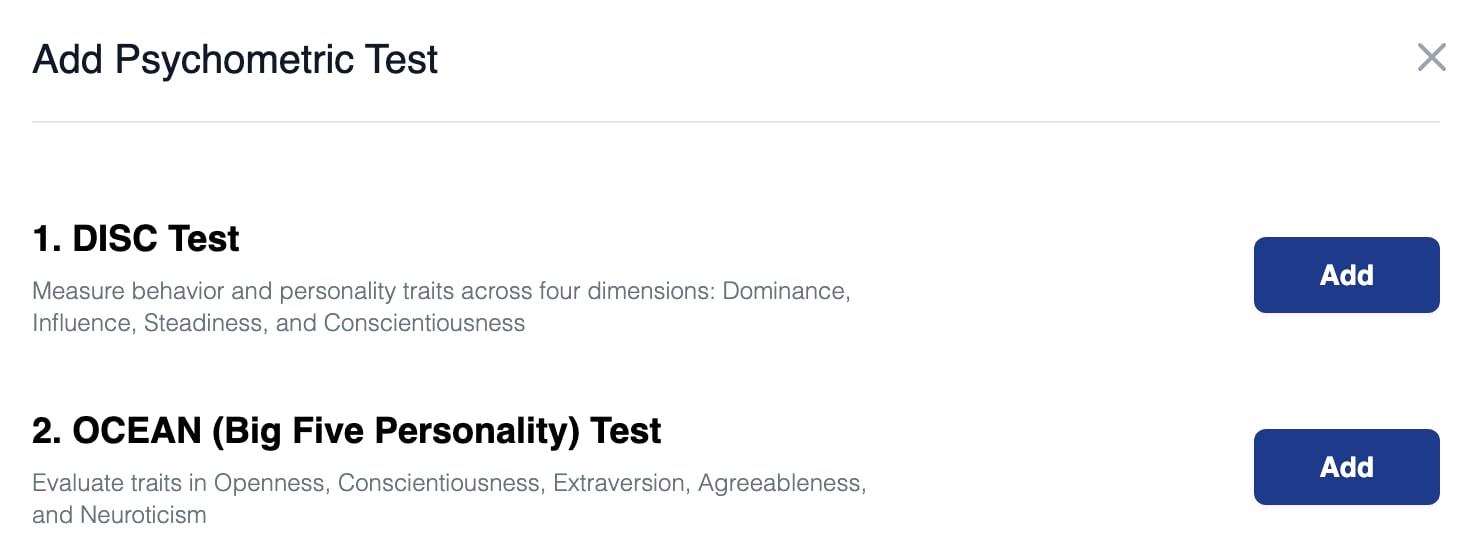
The Add Psychometric Test dialog offers DISC and OCEAN
Reading the Results
Instead of a score, each candidate’s result shows a personality graph. Hover over the graph to see each trait’s description and an interpretation of the candidate’s result.Testing Already Shortlisted Candidates
Candidates cannot retake or extend a finished assessment, so if you want shortlisted candidates to take a psychometric test, invite them to a second assessment.1
Export your shortlist
Open the Shortlisted tab of your assessment results and click Export Results to download the candidate list.
2
Create a psychometric assessment
Create a new assessment containing just the DISC or OCEAN test.
3
Invite the shortlisted candidates
Send email invitations to the addresses in the export.
Related Resources
- Psychometric Scores - How to interpret DISC and OCEAN results in detail
- Test Types on Equip - Every test type you can add to an assessment
- Test Scores and Overall Score - Why psychometric tests are excluded from the overall score
- Custom Tests - Build your own tests when standardized content is not enough