
How Rediscovery Works
1
Open Talent Rediscovery
In the sidebar, go to ATS → Talent Rediscovery.
2
Set your criteria
Click Upload a Job Description and paste the JD so Equip can extract criteria, or set a skill filter above the results.
3
Review the ranked results
Once a skills filter is set, each candidate receives a relevance score.
4
Open a candidate's detail panel
Click a candidate to see their application history across all your openings.
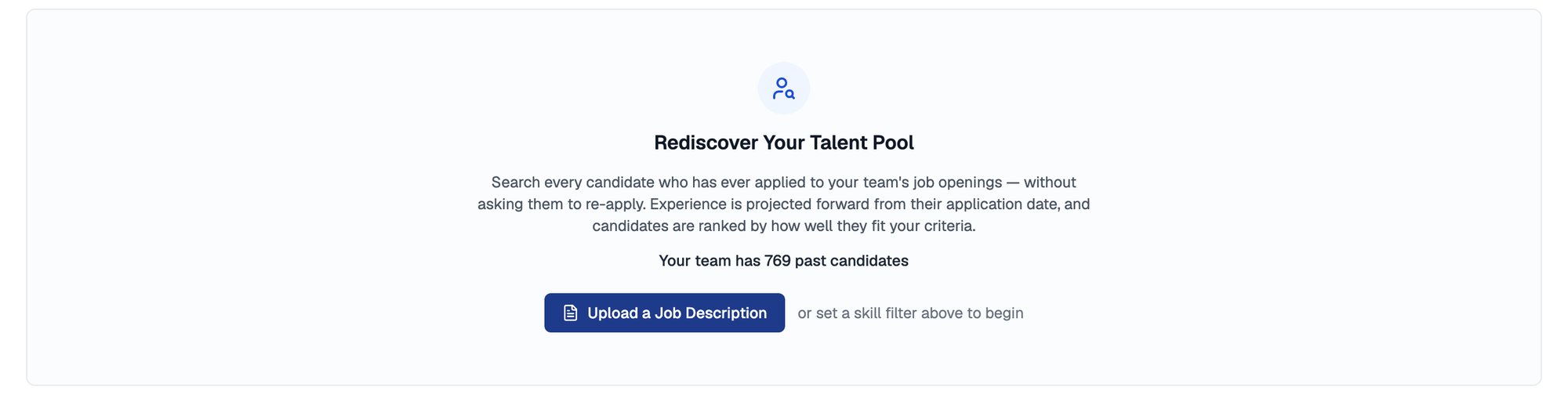
Talent Rediscovery before a search, with the size of your past candidate pool
Scoring Weights
Once a skills filter is set, every candidate is scored on three components, and you control how much each one counts.
The weights always sum to 100. You edit Skills and Experience, and Recency takes whatever remains.
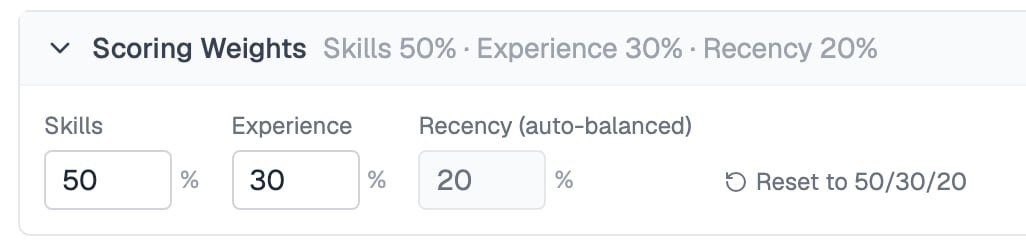
Skills, Experience and Recency weights always total 100
How Experience Is Estimated
Candidates keep gaining experience after they apply, so Talent Rediscovery ages their numbers forward. Total experience grows by the time elapsed since the candidate applied, and per-skill years grow proportionally to that same time.Exporting Results
You can export the results to work with them outside Equip.Related Resources
- Candidate Search - Look up a specific candidate by name or email across all activity
- Job Fit Score - How Equip ranks active applicants within a single job opening
- Candidate Profile - What lives in a candidate’s detail panel and journey
- Bulk CV Import - Grow your talent pool by importing up to 100 CVs at once