
What Is Equip Content
Equip Content is Equip’s own library of curated questions, organized by skill and difficulty. You pick a skill and an experience level, and Equip assembles the test for you, so you can create a complete assessment in seconds without writing a single question. Equip Content is built for fairness and integrity:- Quiz questions are randomized per candidate: each candidate gets different questions from a large pool, in a shuffled order, with shuffled options. See Same or Random Questions.
- Quiz questions stay hidden from recruiters, both during creation and in results, so the question bank cannot leak. See Why You Cannot See Quiz Questions.
- Timers, points, and negative marking are fixed and cannot be changed. Proctoring settings can still be adjusted.
For non-quiz Equip Content, such as Programming and SQL challenges, you can select the exact question and see it in candidate results.
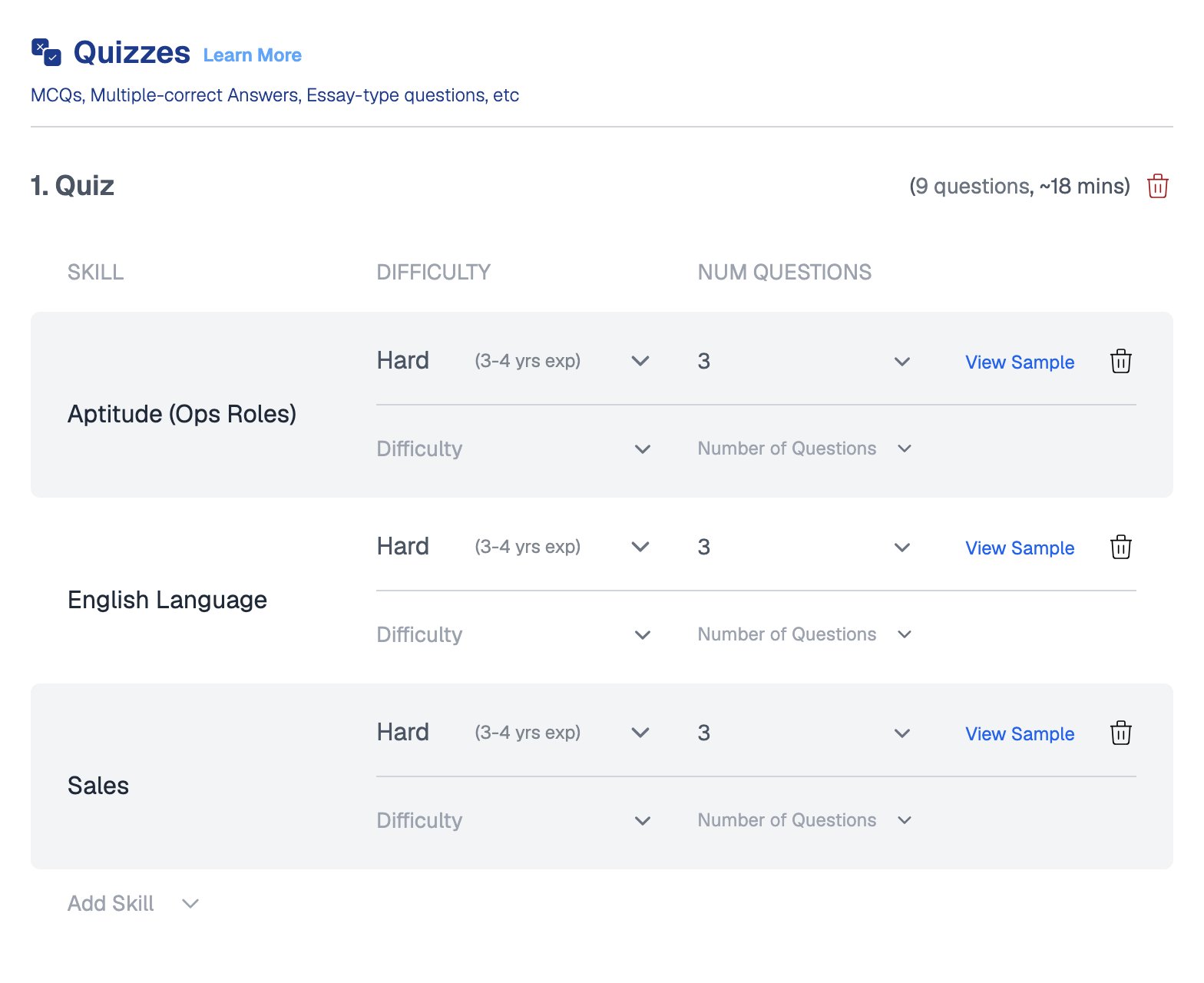
An Equip Content quiz, where each skill has a difficulty and a number of questions
What Is My Content
My Content refers to Custom Tests: tests you build with your own questions, across every test type, Quiz, Coding Challenge, Video Response, Question Bank, and Question Bank Quiz.1
Create a Custom Test
Open Custom Tests from the Assessments Dashboard sidebar and build your test.
2
Open your assessment
Go to the assessment’s settings.
3
Add your content
On the Tests tab, pick the matching test type and click Add, then choose My Content and select your Custom Test.
Custom Tests belong to your whole team. Teammates can view, edit, and reuse them across multiple assessments.
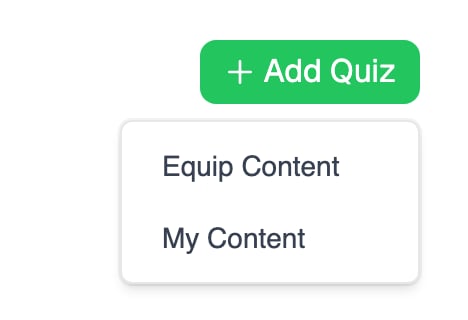
Add Quiz offers both sources, Equip Content and My Content
When to Use Each
Neither option supports a single timer for the whole assessment. Candidates can take breaks between tests, so time limits apply at the test or question level instead.
Related Resources
- Custom Tests - How to create and manage your own tests
- Create an Assessment - Add Equip Content and My Content in the assessment builder
- Same or Random Questions - How question randomization works per test type
- Why You Cannot See Quiz Questions - The reasoning behind hidden Equip quiz questions