
Limits by Test Type
An Equip assessment is a set of tests, and each test contains one or more questions. Your assessment can contain any number of tests, but each individual test has a cap on questions.
Psychometric and English Communication tests are standardized, so you cannot select or add questions to them at all.
For Programming tests, you can pick one or more questions from Equip’s library, but each question becomes its own test in the assessment. So evaluating a candidate on two coding questions means two tests, and you are charged per test. See How Credits Work for the deduction details.
Need more quiz questions?
If you want more than 25 Equip Content quiz questions, split them across multiple quizzes in the same assessment.1
Open your assessment's Tests tab
Go to the assessment settings and select the Tests tab.
2
Add a second quiz
Click Add Quiz and choose Equip’s Content. For 30 questions total, put 25 in the first quiz and 5 in the second.
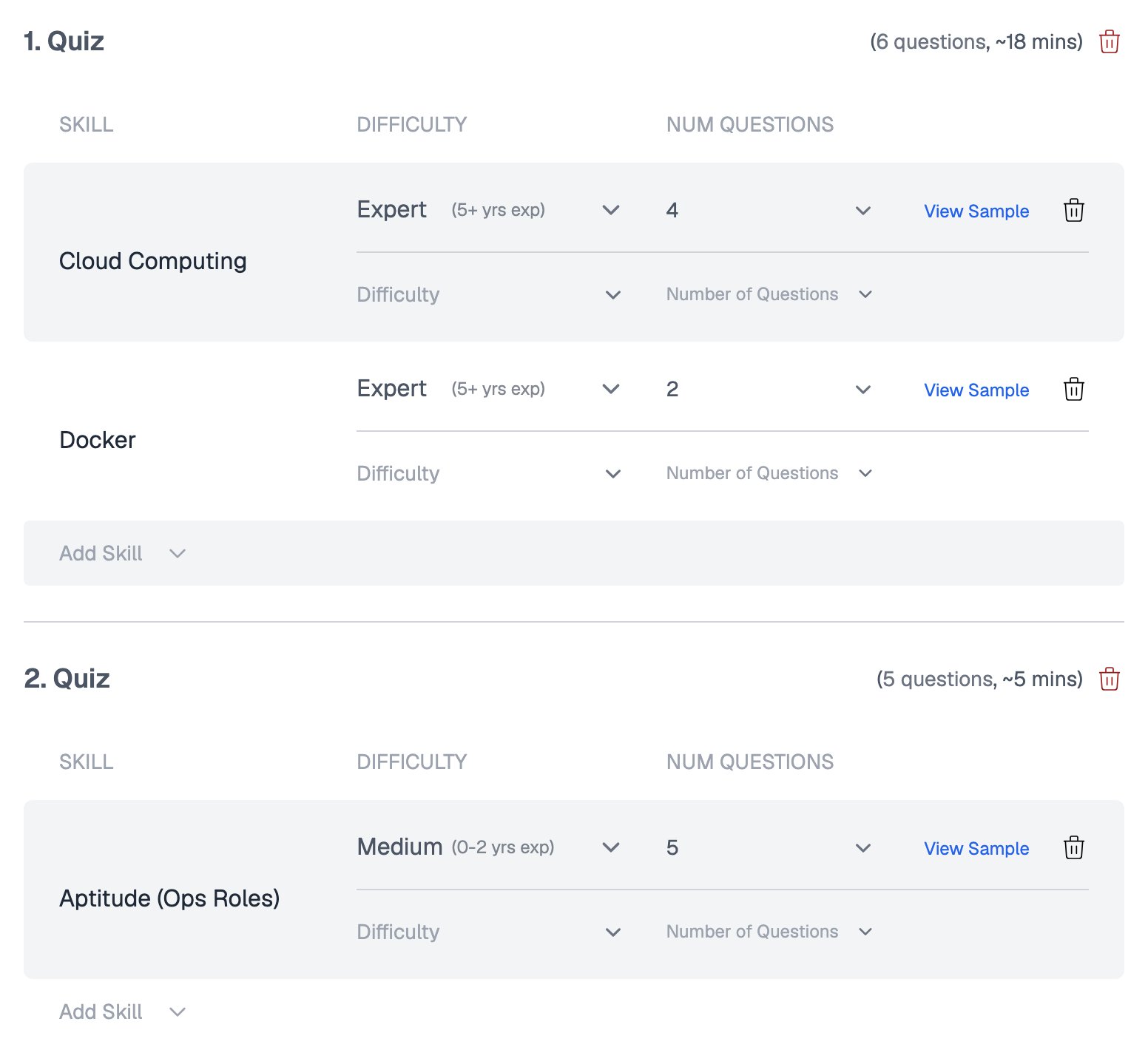
Two quizzes in one assessment, each with its own skills and question count
The builder allows up to 10 Equip tests of the same test type in one assessment.
Unlocking More Equip Quiz Questions
On a new account, Equip Content quizzes have an extra cap: you can add at most 4 questions per skill per difficulty level. For example, for the Python skill you could add 4 Medium, 4 Hard, and 4 Expert questions. To raise this cap, subscribe to any Equip plan, Standard, Premium, or Elite. This unlocks up to 10 questions per skill per difficulty level.
The message a free trial account sees when it asks for more than 4 questions
This cap applies only to quiz questions from Equip’s content. There is no such restriction on other Equip test types like Programming, SQL, CSS, or Video Response, and none on questions in your own Custom Content.
Why These Limits Exist
The per-skill cap protects the question bank: anyone can self-onboard on Equip, so without a limit, someone could create an account and browse every question for a skill. See Why You Cannot See Quiz Questions for the full reasoning.Related Resources
- Testing Multiple Skills at Once - Combine up to 6 skills in one quiz or add separate quizzes
- Question Difficulty Levels - How Medium, Hard, and Expert map to years of experience
- Same or Random Questions - How Equip randomizes questions across candidates
- How Credits Work - Credit pricing and when credits are deducted