
Subscribing to a Plan
1
Open the Billing page
Go to Account > Billing.
2
Choose a plan
Click Choose a Plan to open the Pricing page.
3
Select a plan and subscribe
Pick a plan and billing cycle, then click Subscribe.
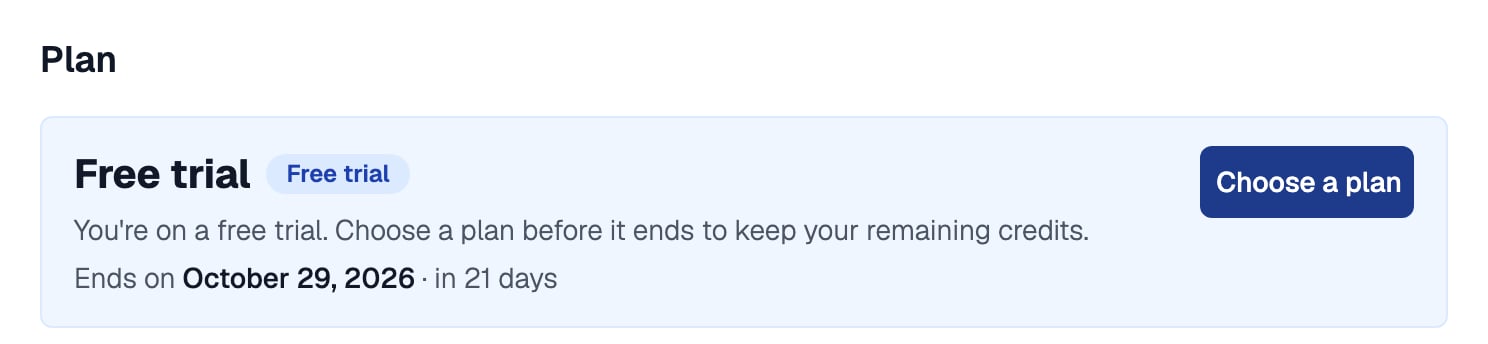
A new team's Billing page shows its free trial, when it ends, and Choose a plan
Credit Pricing
One credit costs $1, and different actions use different amounts:
The ATS, including job posts, the candidate pipeline, and your careers page, is free. Credits never expire while your subscription is active.
See Credit Deduction Policy for exactly when each credit is deducted.
Estimating Your Cost
Use the Estimate your cost calculator on the Pricing page to total a month or a year for your plan, seats and candidate volume before you subscribe.The estimate does not include taxes added at checkout, or paid proctoring options.
Volume Discounts
Larger top-ups get an automatic discount when you pay, with no coupon code to enter.Topping Up Credits
Any team member can top up credits. Once subscribed, a Top-up Credits button appears next to Choose a Plan on the Billing page.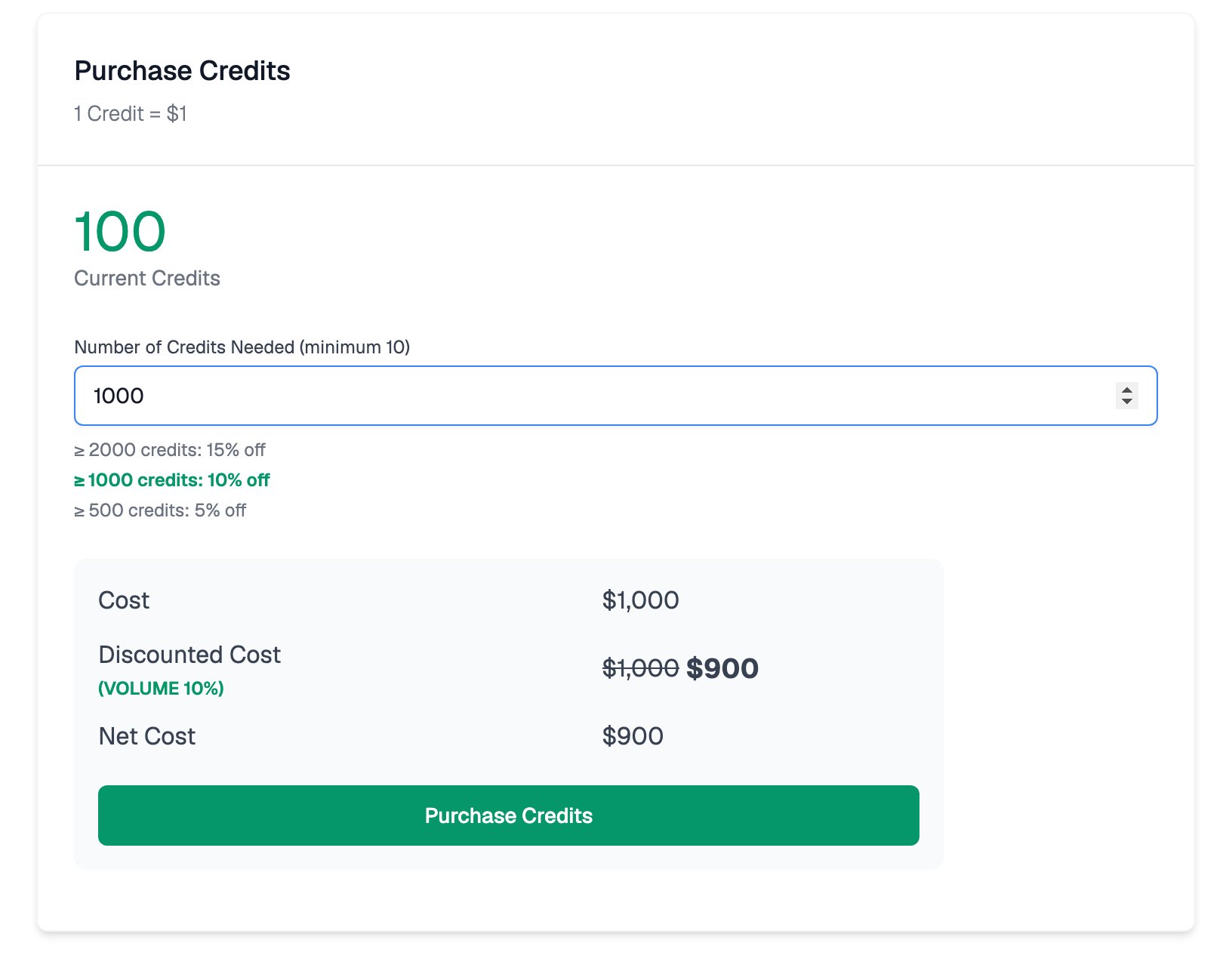
Volume discounts apply automatically as you enter an amount
1
Click Buy More
Click Buy More next to your credit balance in the sidebar.
2
Enter the number of credits
The minimum purchase is 10 credits and the self-serve maximum is 5,000 credits per purchase.
3
Review the cost and pay
Teams in India pay through Razorpay, can add a GSTIN to the invoice, and have 18% GST added. All other teams pay through Stripe Checkout.
Every deduction and purchase is recorded in the Credit Usage ledger, which you can export as a CSV.
Low and Negative Balances
Equip lets your balance go slightly negative so a hiring round is not interrupted, but there are limits:
This means the most candidates you can invite at any point is your current credit balance plus 25. Candidates who already started an assessment or AI interview can still finish it.
Equip emails the Owner and every Admin a low-balance alert when the balance drops past 20 credits and again past 5 credits.
Related Resources
- Credit Deduction Policy - Exactly when each credit is deducted
- Reclaim Credits - Recover credits from invitations that were never used
- Invoices - View and download invoices and receipts for your purchases
- Compare Plans - What each plan includes, from seats to API access