
Enter your email address (for an invitation, the one your recruiter invited), then type the 6-digit login code Equip emails you.
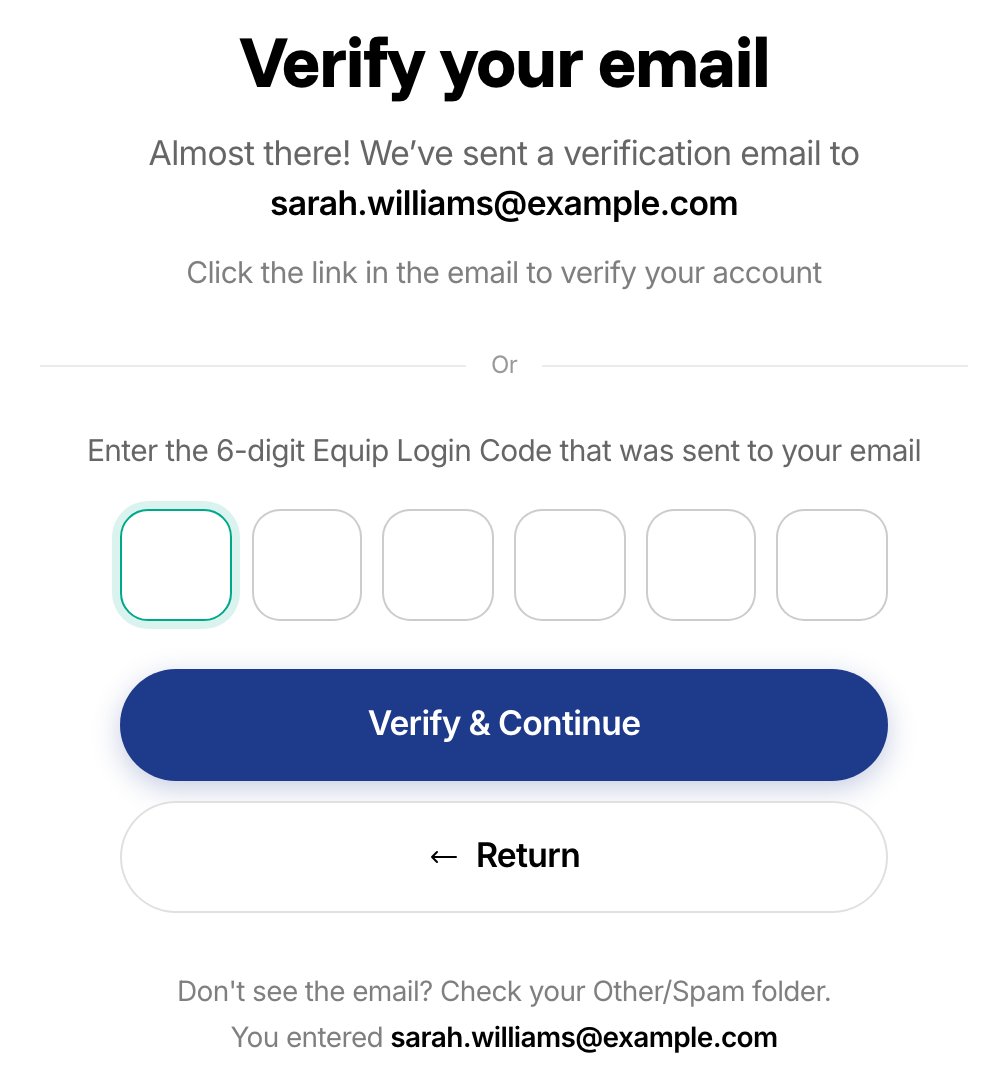
Enter the 6-digit code from your email, then select Verify & Continue
The code expires in 10 minutes. If it expires, go back to the same link to request a new one.
Related Resources
- Taking an Assessment - The full candidate flow from sign-in to submission
- Invitation Links - How unique one-time links and their expiry work
- Resume Your Attempt - What happens when you reopen an assessment mid-attempt
- Device Compatibility - Supported browsers and devices for each test type