
Send an Offer
Before you start, attach a packet to the job’s Offered stage. See Offer Documents and Packets.1
Move the candidate to Offered
Choose Offered as the target stage, then click Continue to the offer page. Nothing is sent, and the candidate stays in their current stage, until you send the offer.
2
Fill in the offer details
Enter a value for each field, such as salary or start date. Fields start with the sample values saved on the document.
3
Review
Read the email, then click Render documents to check each document.
4
Send
Confirm how many days the offer stands, then click Send offer. To check the real email and documents first, click Send to myself; the candidate is not contacted.
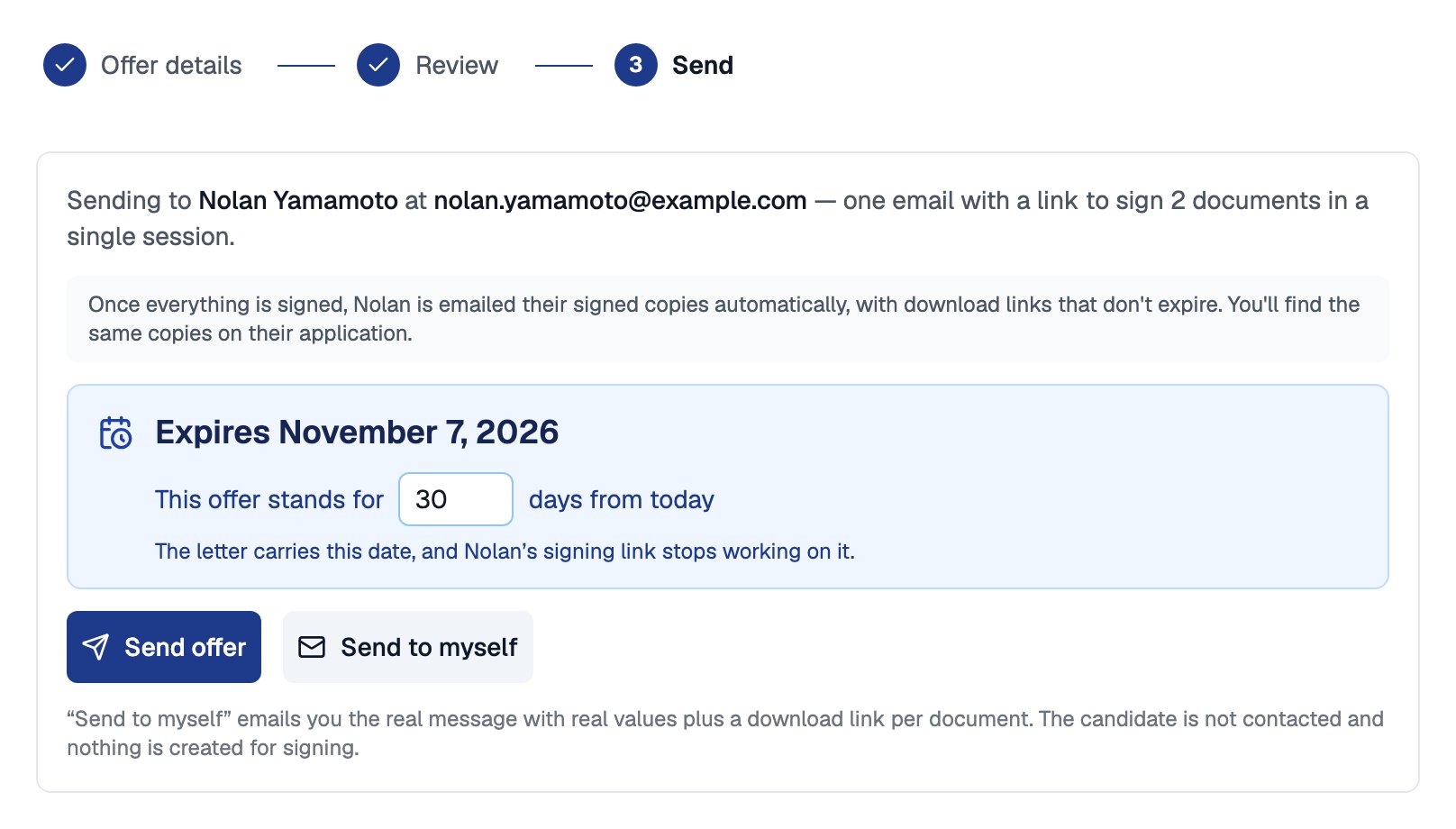
The Send step shows when the offer expires, how many days it stands, and both ways to send
Offer Statuses
Open the candidate’s details to see the Current offer card and its status.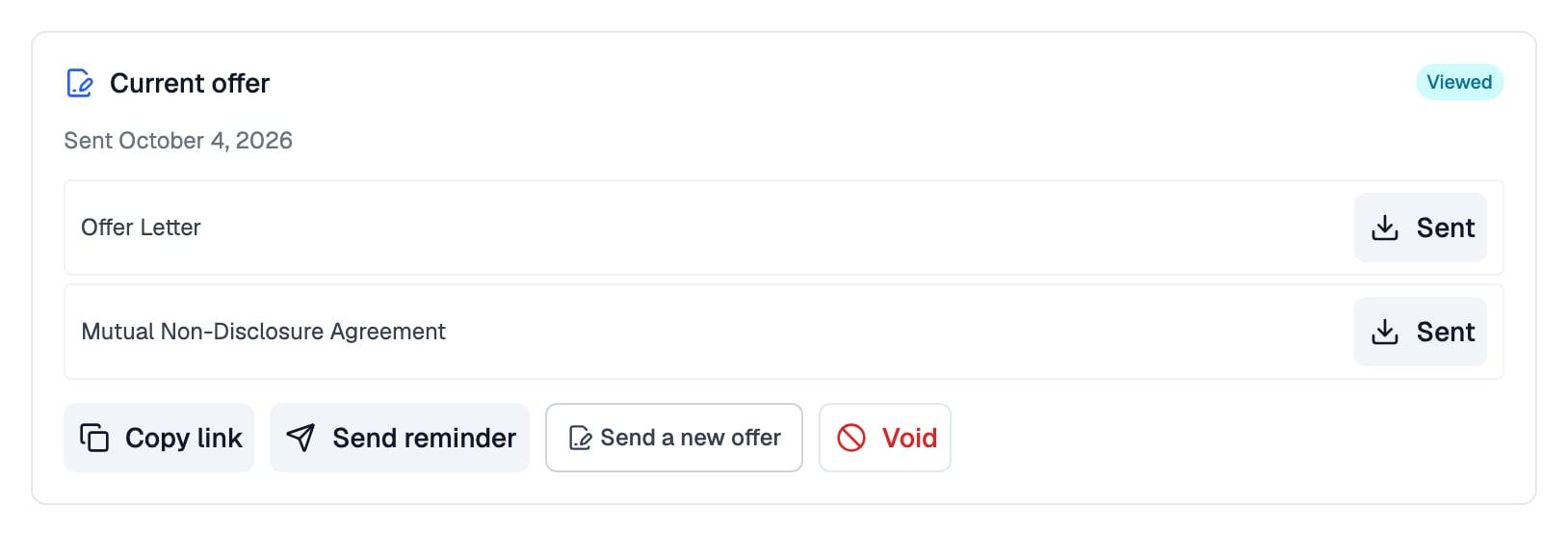
The Current offer card shows the offer's status, a download for each document, and what you can do next
Signing does not move the candidate. When an offer is completed, move the candidate to Hired yourself; if it is declined, move them to Rejected or Withdrawn.
Manage a Sent Offer
The Current offer card carries the actions for a live offer:
An offer’s expiry date is fixed when you send it, and the signing link stops working on that date. To extend an expired offer, send a new one.
Counter-Signing
If the packet’s Who signs setting is Candidate and Recruiter, the order you chose decides who is emailed when:
Only the packet’s designated counter-signer can sign. They can sign from the emailed link, or use Counter-sign on the Current offer card when the candidate has signed first.
Related Resources
- Offer Documents and Packets - Build the documents and packet an offer is sent from
- Signing Your Offer - The candidate’s side of reviewing, signing, and declining
- Changing Stages - How stage moves, Reply-To, and Schedule Send work
- ATS Insights - Offer acceptance, time to offer, and offer outcome charts