
Supported Languages
For conversational interviews, the Interview Language dropdown offers 15 options:Candidates do not pick a language themselves; the AI conducts the session in the language you chose.
Choosing a Language
Conversational interviews
1
Open the interview's settings
Go to the AI Interviews dashboard and click Settings on the conversational interview.
2
Select an Interview Language
Pick a language from the Interview Language dropdown. If no language is selected, the interview runs in English (US).
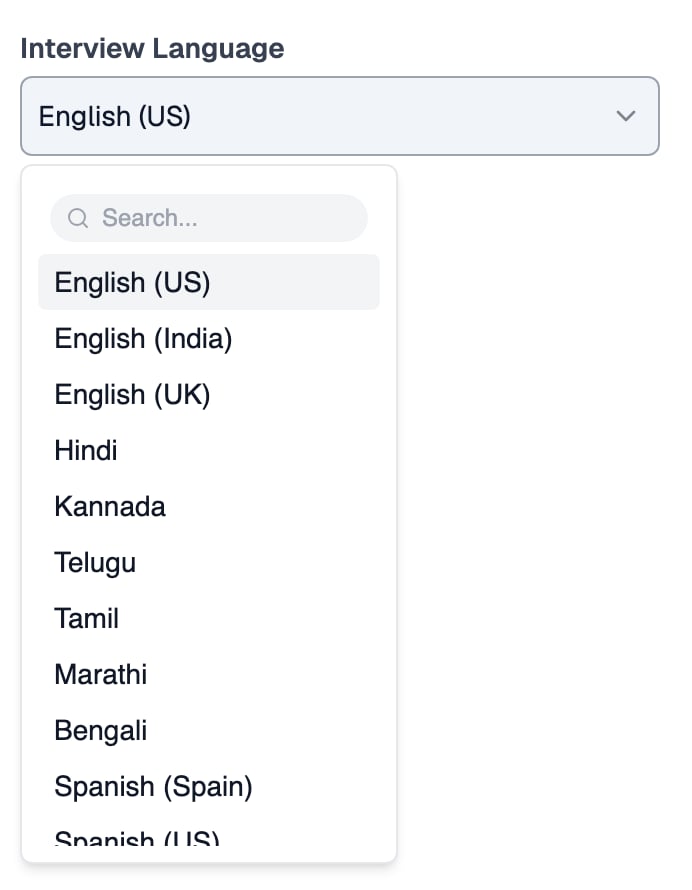
The Interview Language dropdown on a conversational interview
One-way interviews
One-way interviews have two language settings: the language your questions are written in, and the language candidates may respond in.Question Language (Multilingual Questions)
To offer the same question in multiple languages, enable Multilingual Questions on the template.1
Open the template's settings
Go to AI Interviews, open One-Way Templates, and click Settings on the template.
2
Turn on Enable Multilingual Questions
In the Alternative Languages section, turn on Enable Multilingual Questions, then choose a default language and one or more additional languages.
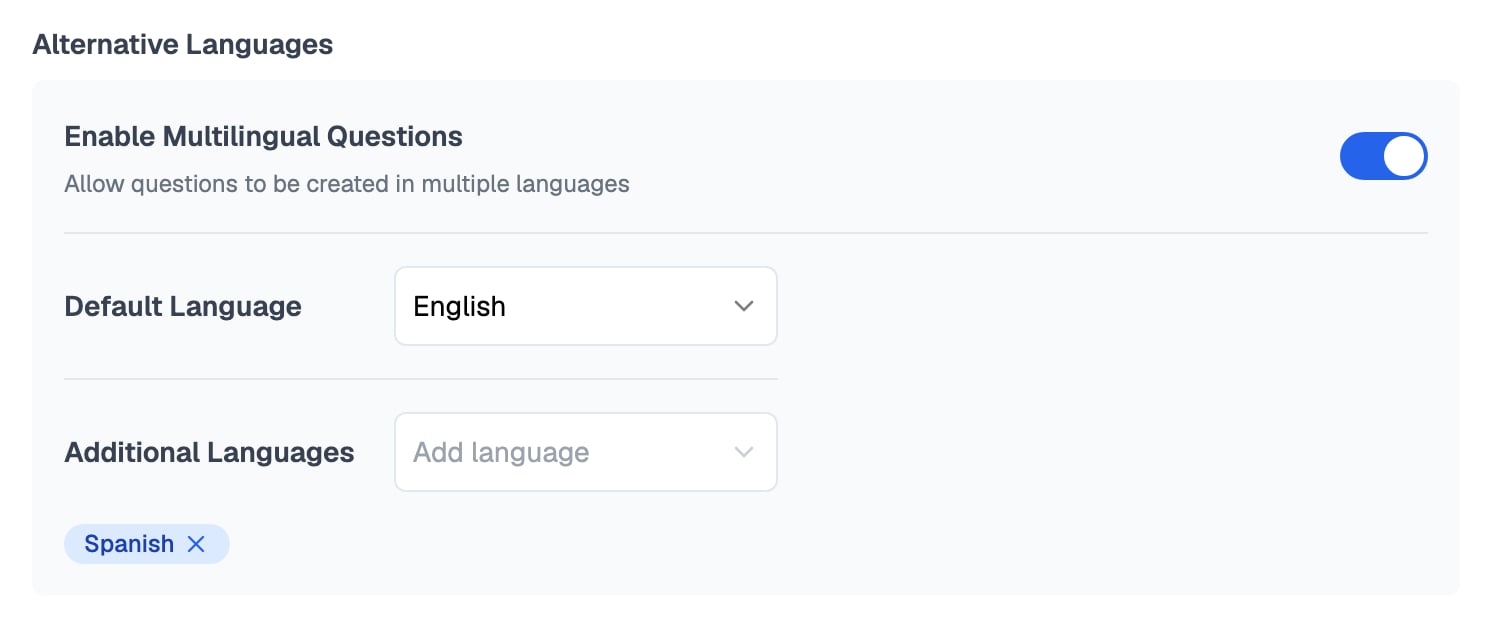
Alternative Languages on a one-way template, with English as the default and Spanish added
Response Language
Each question also has its own Response Language selector, offering around 100 languages, which controls the language candidates may answer in.1
Open the template itself
Go to AI Interviews, open One-Way Templates, and click the template, not its Settings, to open the template editor.
2
Set the Response Language per question
On each question, add up to 3 languages in the Response Language field. The default is English.
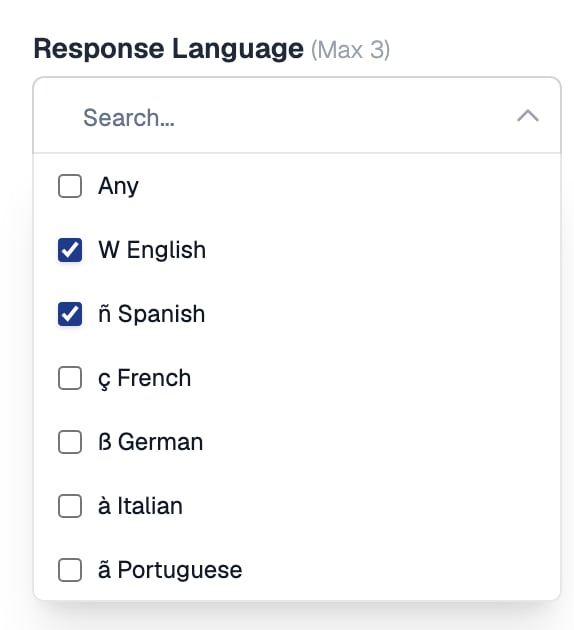
Response Language on a question, with English and Spanish selected
The candidate’s transcription is always in whichever language they spoke, but the AI evaluates their answer based on the response language you selected for that question.
How the settings compare
Related Resources
- One-Way vs Conversational Interviews - Which interview format fits your hiring stage
- Create a Conversational Interview - Full setup guide, including the settings page where you pick the language
- Multilingual Tests - Offer assessment questions in multiple languages too
- Taking an AI Interview - What candidates experience during the interview